Stage (Sandboxed Runtime)
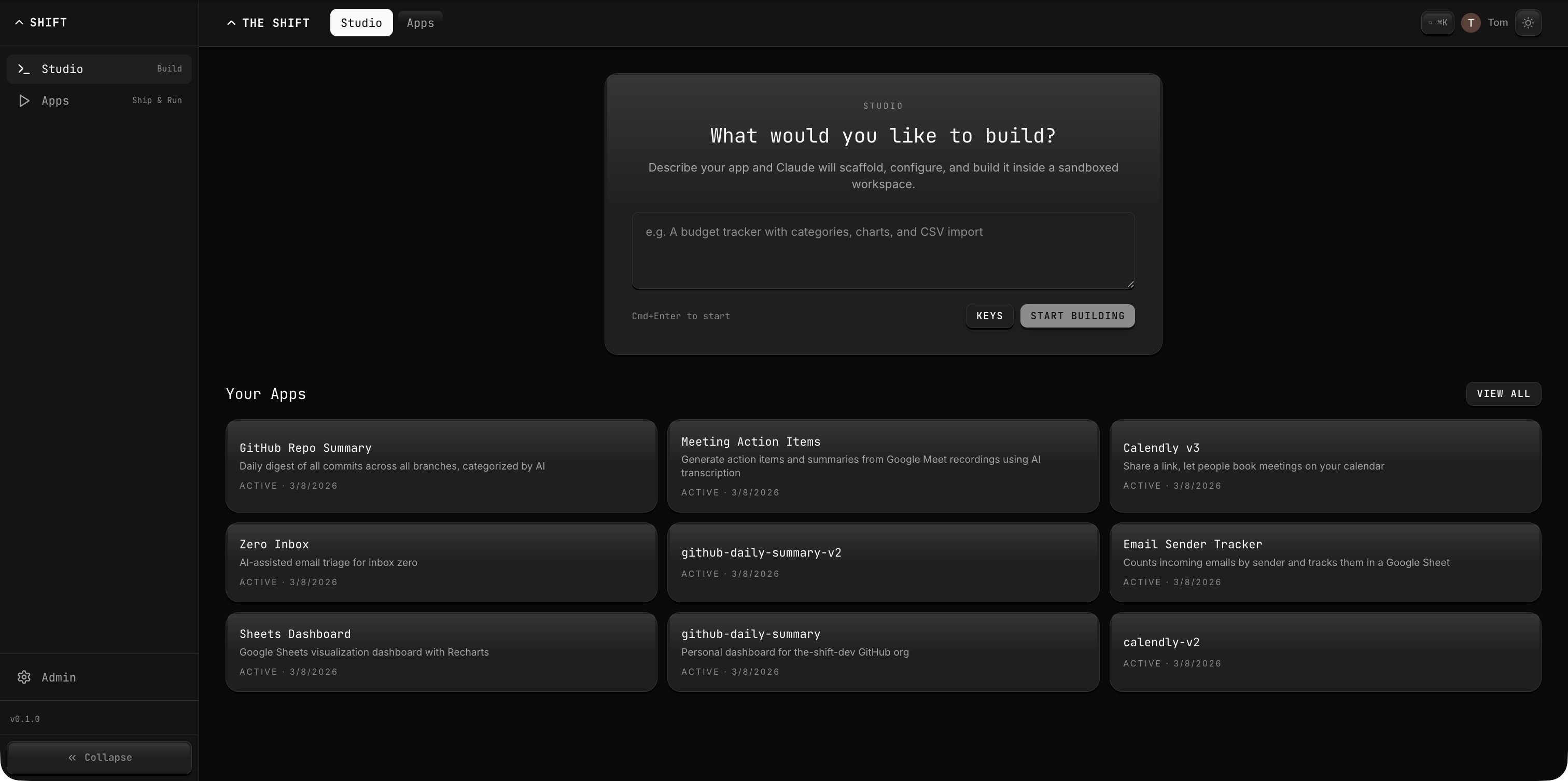
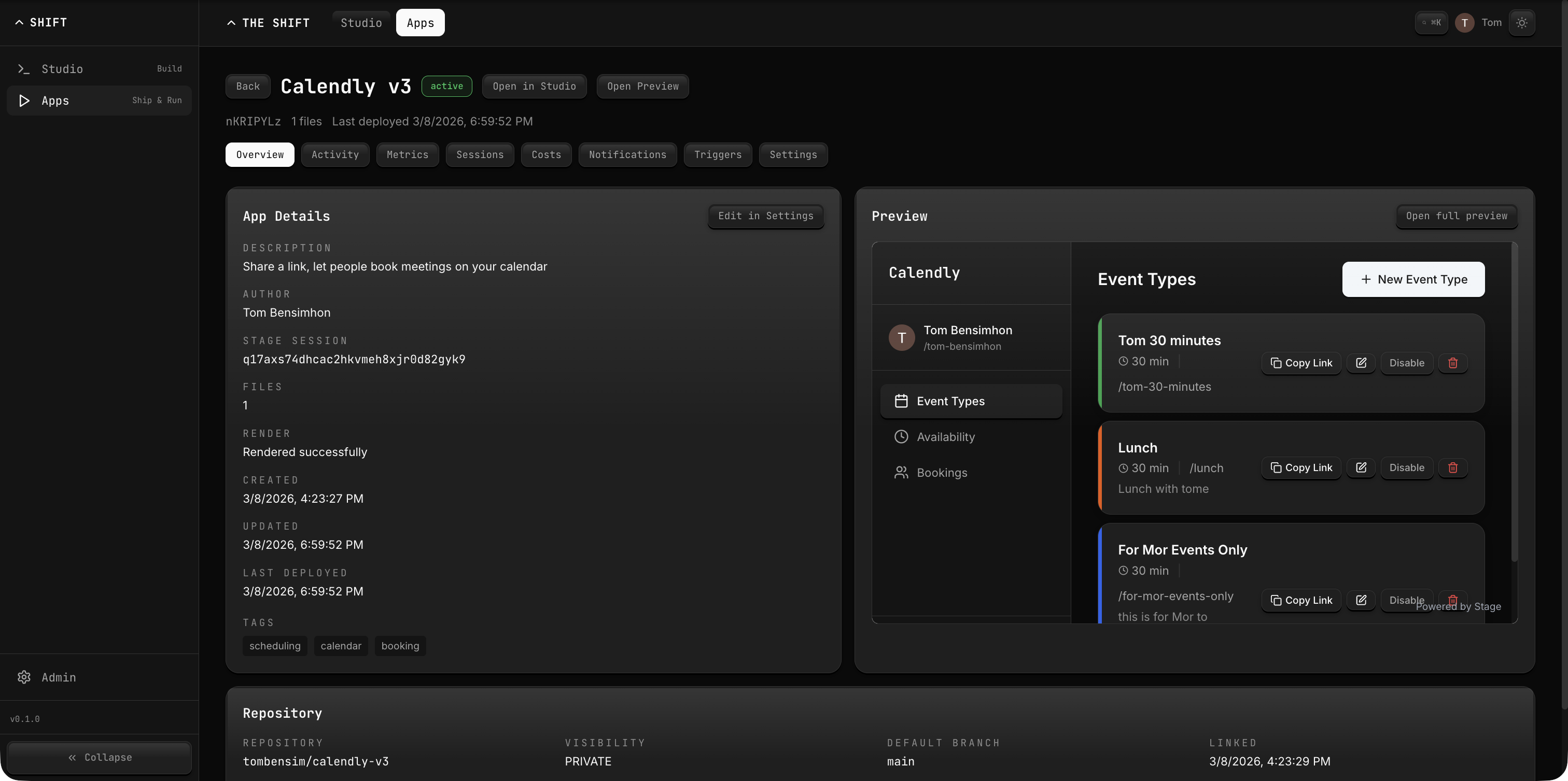
Stage is a sandboxed runtime and lightweight app registry for AI coding agents. It provides isolated sessions where agents can create files, push code, trigger renders, declare Google scopes, execute manifest-backed workflows, and track the GitHub repository linked to each published Stage app.
What It Does
- Session Management — Create isolated sandbox sessions with their own virtual filesystem.
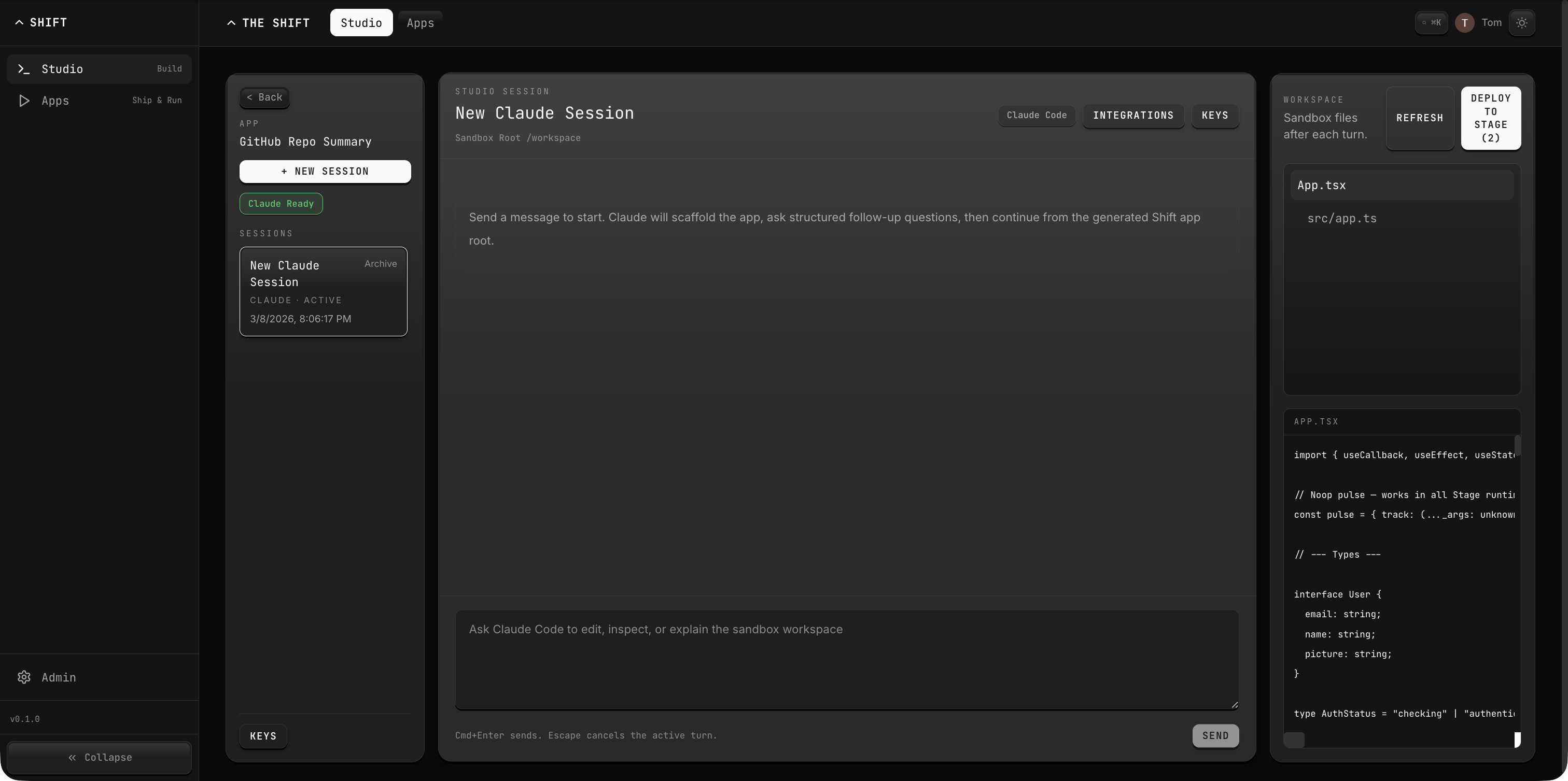
- File Operations — Write, read, and list files within a session's virtual filesystem.
- Push & Render — Push entire directories and trigger React renders with configurable entry points.
- Published API Backends — Deploy server-side API routes with access to
@stage/inference,@stage/compute, and@stage/utilsvirtual modules. - App Catalog — Browse published Stage apps filtered by author and status.
- Version Channels — Deploy to preview and production channels with promotion and rollback.
- Repository Awareness — Store GitHub repo metadata on Stage apps and surface it back to the CLI.
- Google Scope Declarations — Store per-session Google OAuth scopes before an end-user auth flow.
- Workflow Execution — Execute published app workflows from
/app/shift.workflows.jsonthrough/api/v1/run/:appSid/:workflowName. - Theme Support — Built-in light/dark mode with
useTheme()hook, CSS token scoping, and localStorage persistence. - Delegated Local Testing — Combine Stage sessions with
shift-cli token,shift-cli test bootstrap, and@the-shift/sdk/testing. - Proxy Mode — Gateway can proxy Stage requests to an external Next.js deployment via
STAGE_PROXY_URL.
Key Concepts
| Concept | Description |
|---|---|
| Session | An isolated sandbox environment with its own virtual filesystem and render state. |
| File | A virtual file within a session, identified by path, with content and version tracking. |
| Render | A triggered build of the session's React code, starting from a specified entry point. |
| Snapshot | A point-in-time capture of a session's file state. |
| App | A published Stage application with metadata, author, deployment info, and optional GitHub repository linkage. |
| Version Channel | A deployment slot (preview or production) that pins a specific app version. |
| Published API | A server-side backend entrypoint that runs in the gateway with access to virtual modules. |
| Workflow | A named handler declared in /app/shift.workflows.json and executed through the gateway. |
Configuration
| Setting | Value |
|---|---|
| API Dev Port | 4005 |
| Web Dev Port | 4105 |
| Gateway Prefix | /api/v1/stage/* |
| Backend | Convex (direct client, not file-based) |
Architecture
Stage uses a Convex backend directly rather than the standard file-based storage. The CLI communicates with Convex via HTTP mutations and queries. The gateway can proxy requests to an external Next.js Stage deployment when STAGE_PROXY_URL is set. Projects created with shift-cli create-app also write .shift/stage-app.config.json, which records the local session/app ids and any linked GitHub repo metadata.
Agent -> stage CLI -> Convex (mutations/queries)
       or
Agent -> Gateway /api/v1/stage/* -> STAGE_PROXY_URL (Next.js)
       or
Agent/Trigger -> Gateway /api/v1/run/:appSid/:workflowName -> workflow step set
Getting Started
Create a new session:
shift-cli stage new
Write files and render:
shift-cli stage write /app/App.tsx ./App.tsx -s <session-id>
shift-cli stage render -s <session-id>
shift-cli stage status -s <session-id>
Or push an entire directory:
shift-cli stage push ./my-app /app -s <session-id>
Inspect or attach repository metadata:
shift-cli stage repo status
shift-cli stage repo connect
Declare Google scopes before a Stage end-user auth flow:
shift-cli stage scopes:set \
  -s <session-id> \
  --scope https://www.googleapis.com/auth/drive.readonly
Bootstrap delegated local browser auth:
shift-cli token create --session <session-id> --ttl 30m --json
shift-cli test bootstrap --session <session-id> --redirect /s/<session-id> --json
Bootstrap State Requirements
Stage apps must handle all bootstrap states gracefully. Never render a blank screen or gate on if (!resource) return null. Every state should show a meaningful UI:
| State | Required UI |
|---|---|
loading | Spinner or skeleton with status text |
unauthenticated | Login prompt with clear action |
ready | Full app content |
error | Error message with a retry button |
See the Stage App Theming guide for the mandatory theme toggle and CSS token patterns.